Skip to content
Illustration of a bearded man with glasses wearing headphones and a jacket over a t-shirt.

Home Studio Guys

  • Acoustic Treatment
  • Audio Interfaces
  • Cables and Connectivity
  • Headphones
  • Instrument and Gear ReviewsExpand
    • Guitar
    • Bass
    • Amplifiers
    • Drums
    • Keyboard and Piano
  • Microphones
  • MIDI Controllers
  • Studio Monitors
Illustration of a bearded man with glasses wearing headphones and a jacket over a t-shirt.
Home Studio Guys
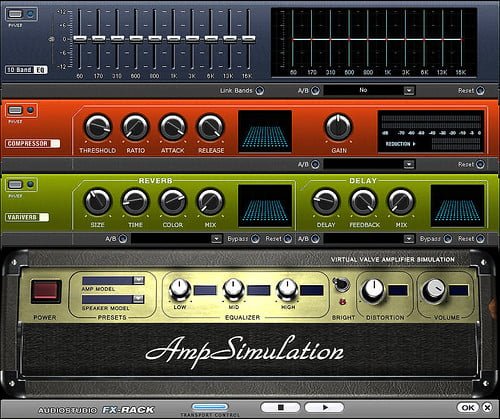
  • Digital graphic interface of an amp simulation software with various controls for compressor, equalizer, reverb, delay, and other audio effects, resembling physical audio hardware.
    Blog

    Free Vs. Paid DAWs: Finding the Right Balance

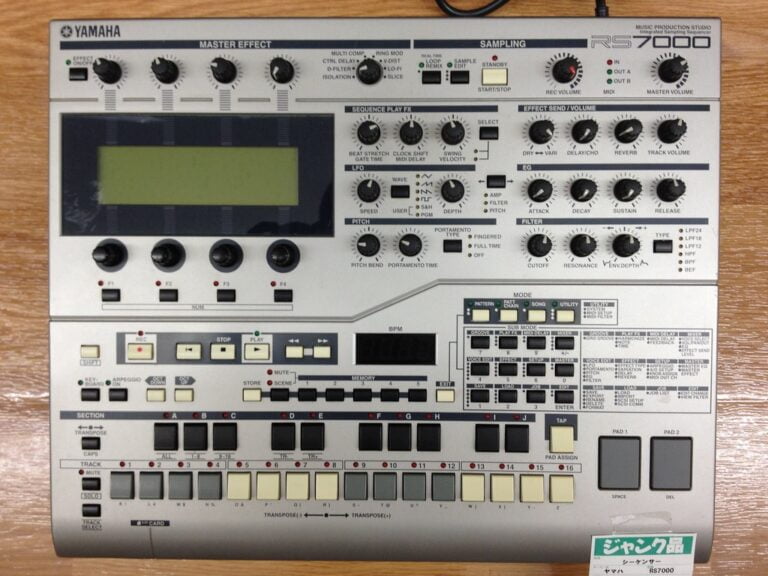
  • Yamaha RS7000 Music Production Studio equipment featuring knobs, buttons, and sliders for various functions such as sampling, master effects, and sequencing, with a large LCD screen in the center, on a wooden surface.
    Blog

    Choosing a DAW for Music Production: Top Picks and Features

  • A Zoom R8 multi-track recorder and audio interface on a carpeted floor.
    Audio Interfaces

    Understanding Audio Interface Connectivity: USB Vs. Thunderbolt Vs. PCIe

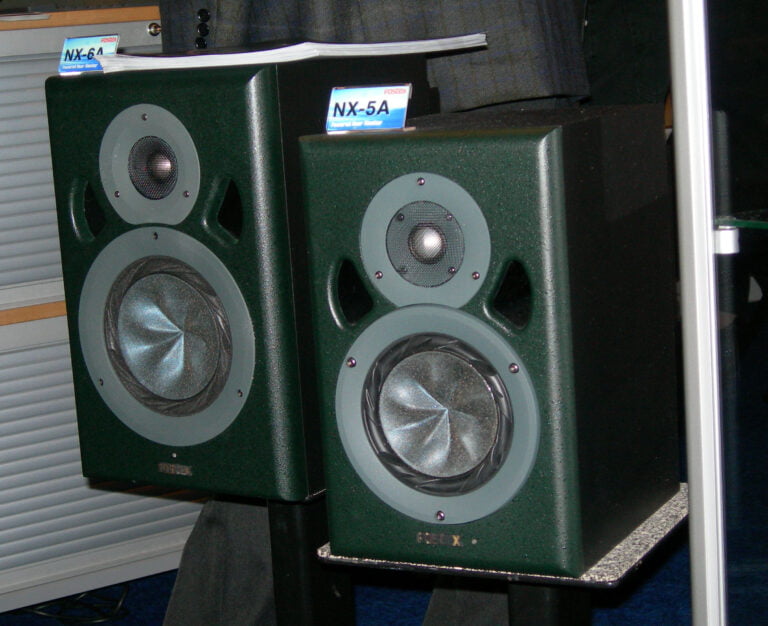
  • A pair of green NX-5A professional studio monitor speakers on a floor with small placards displaying the model number.
    Studio Monitors

    Nearfield vs Midfield Monitors: Which Fits Your Studio?

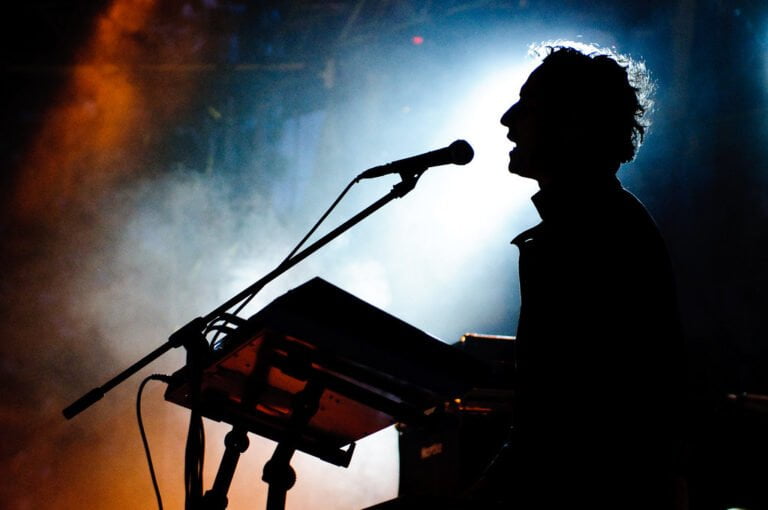
  • Silhouette of a musician singing into a microphone and playing a keyboard on a stage with dramatic backlighting and haze.
    Blog

    DAW for Live Performance: Choosing the Right Software for On-Stage Use

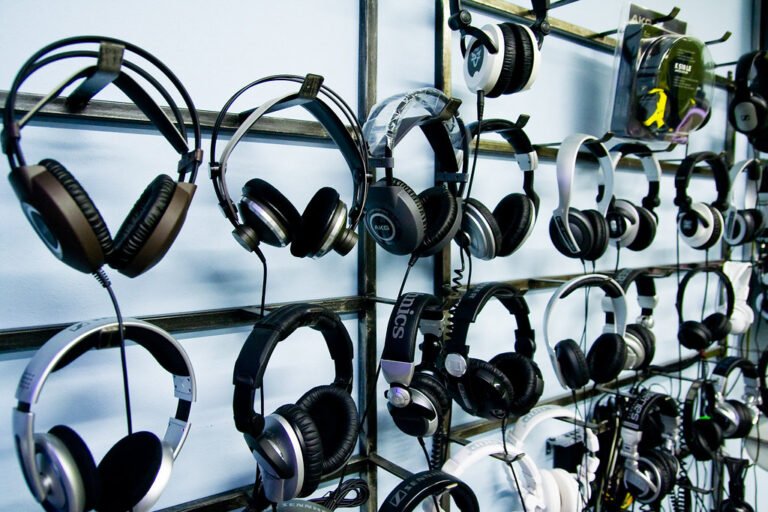
  • Assorted headphones displayed on a wall rack in a retail setting.
    Headphones

    Closed-Back Vs. Open-Back Headphones: Pros and Cons

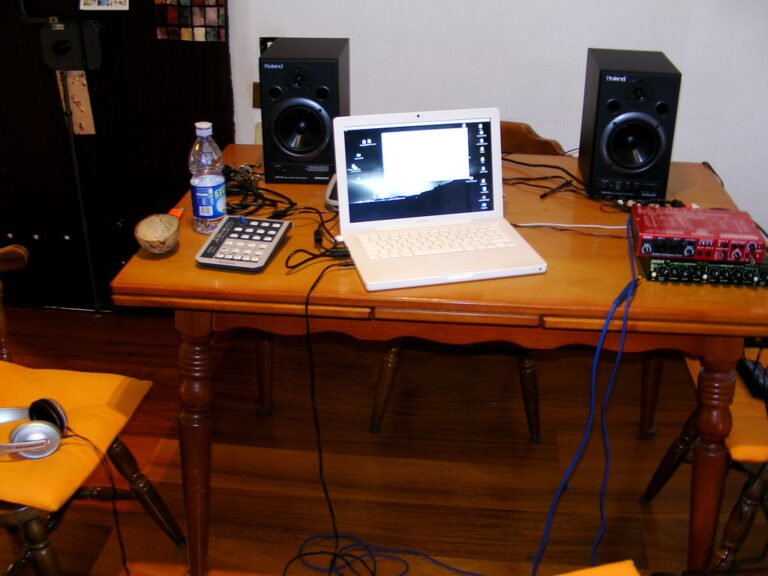
  • A laptop set up on a wooden table flanked by two studio monitors with various audio equipment and cables, a calculator, and a water bottle also on the table.
    Audio Interfaces

    Expanding Your Home Studio With Multi-Channel Interfaces

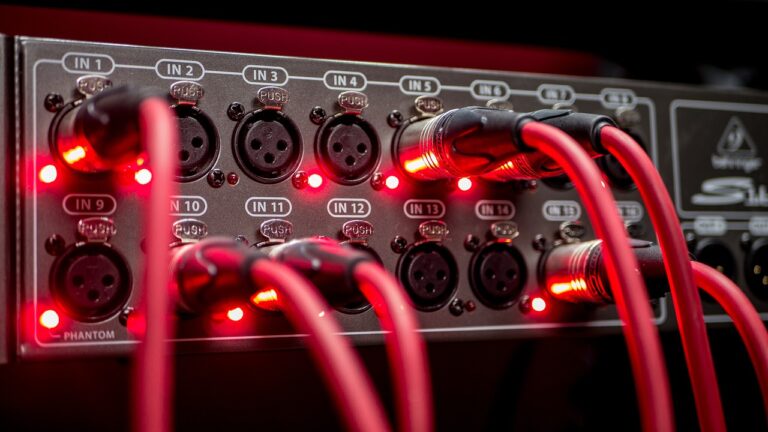
  • Close-up of an audio interface with red LED lights and connected red cables inserted into XLR input ports, labeled from IN 1 to IN 14.
    Cables and Connectivity

    Cable Testing Tools: Ensuring the Integrity of Your Signal Chain

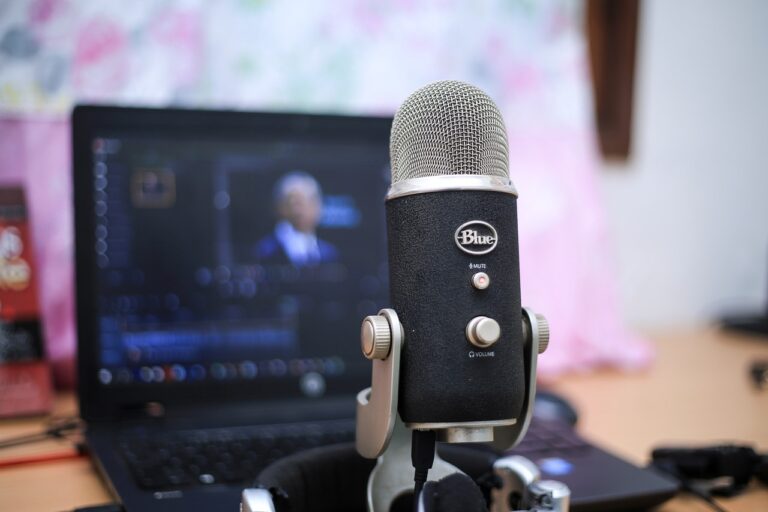
  • A Blue Yeti microphone in focus on a desk with an out-of-focus laptop displaying a video editing application in the background.
    Blog

    Podcast Editing Software: Comparing Options for Beginners

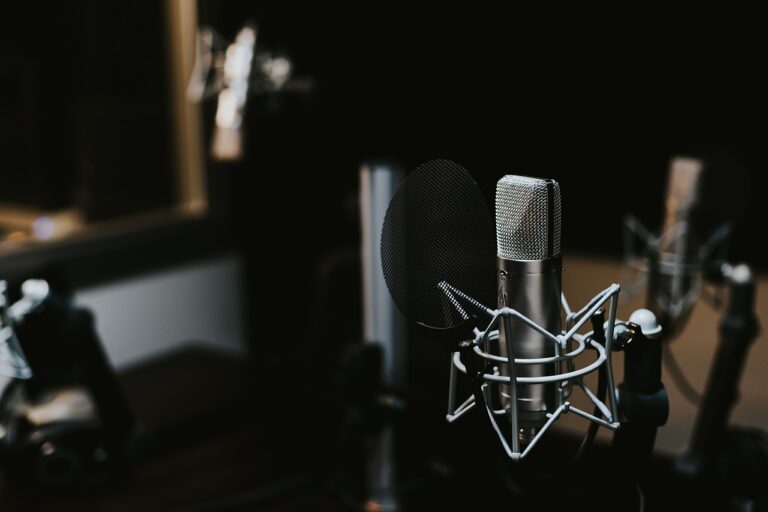
  • A professional studio microphone with a pop filter positioned on a mic stand, with another microphone blurred in the background.
    Blog

    Cable Management in Studio Furniture: Taming the Cable Jungle

Page navigation

Previous PagePrevious 1 … 94 95 96 97 98 … 101 Next PageNext
  • About
  • Disclaimer
  • Cookies Policy
  • Privacy Policy
  • Terms and Conditions
  • HTML-Sitemap
  • Contact

Homestudioguys.com is a participant in the Amazon Services LLC Associates Program, an affiliate advertising program designed to provide a means for website owners to earn advertising fees by advertising and linking to amazon.com, endless.com, smallparts.com, myhabit.com, and any other website that may be affiliated with Amazon Service LLC Associates Program.

© 2026 Home Studio Guys

  • Acoustic Treatment
  • Audio Interfaces
  • Cables and Connectivity
  • Headphones
  • Instrument and Gear Reviews
    • Guitar
    • Bass
    • Amplifiers
    • Drums
    • Keyboard and Piano
  • Microphones
  • MIDI Controllers
  • Studio Monitors